


 awxboss
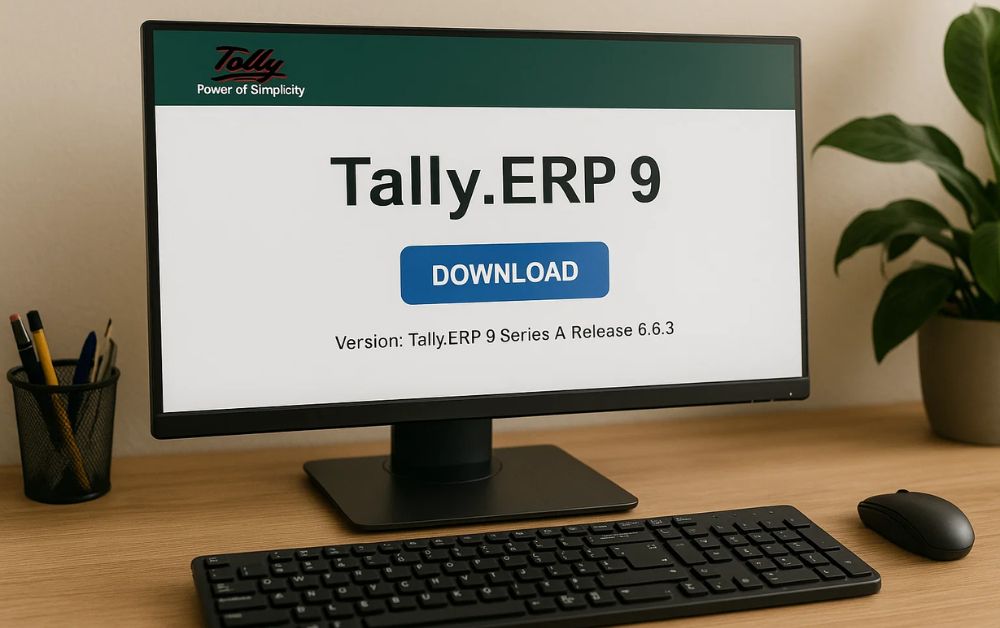
In the digital age, accounting software has become the backbone of modern businesses. From managing invoices to generating financial reports, automation in accounting ensures accuracy and saves valuable time. Among the many tools available, Tally ERP 9 continues to stand out as one of the most trusted and efficient accounting software solutions for businesses in the UAE and around the world. However, while the software is powerful, ensuring a safe and authentic Tally ERP 9 Download is crucial to protect your data and system integrity.

1. Why Tally ERP 9 Remains Popular Among Businesses
Tally ERP 9 is more than just accounting software — it is a complete business management tool. It simplifies critical business processes, including GST/VAT compliance, inventory management, payroll, banking, and reporting.
Here’s why it continues to be widely used by businesses of all sizes:
- Ease of Use: The software has an intuitive interface, making it easy for both accountants and non-accountants to operate.
- Comprehensive Features: It covers every aspect of accounting — from journal entries to complex financial analysis.
- Regulatory Compliance: Tally ERP 9 is fully compatible with tax systems, including VAT compliance in the UAE.
- Data Security: It offers controlled user access, ensuring that only authorized individuals can view or modify sensitive information.
However, to experience all these benefits, businesses must ensure they perform a legitimate Tally ERP 9 Download from a reliable source. Downloading from unauthorized websites can expose your company to malware, data theft, and software malfunction.
2. Risks of Downloading Tally ERP 9 from Untrusted Sources
With the increasing number of third-party websites claiming to offer free or “cracked” versions of Tally, many users fall into the trap of downloading unsafe files. These unauthorized downloads can harm your business in several ways:
- Security Threats: Fake software often carries viruses or malicious code that can corrupt your data or compromise system security.
- Data Loss: Illegitimate versions are prone to bugs and system crashes, leading to potential data loss.
- No Support or Updates: Only official versions receive regular updates and technical support from Tally Solutions.
- Legal Consequences: Using pirated software violates copyright laws and can result in penalties or reputational damage.
Therefore, always opt for a verified Tally ERP 9 Download through official channels or authorized service providers.
3. Step-by-Step Guide to Safely Download Tally ERP 9
To ensure a smooth and secure download process, here’s how businesses can get Tally ERP 9 the right way:
Step 1: Visit the Official Tally Website
Start by visiting the official Tally Solutions website. This is the safest source for downloading any version of Tally ERP 9. Avoid third-party links or download sites that are not endorsed by Tally.
Step 2: Choose the Correct Version
Depending on your business needs, select the appropriate version — whether it’s the educational version for learning or the licensed version for full business use. The official site provides both options clearly labeled.
Step 3: Download and Install
Click on the official download link for Tally ERP 9. Once downloaded, follow the installation steps provided by the setup wizard. Ensure your device has sufficient space and meets the minimum system requirements before proceeding.
Step 4: Activate Your License
After installation, activate your Tally license using your official product key or serial number. This ensures that your version is genuine and fully functional.
Step 5: Regularly Update the Software
Tally Solutions frequently releases updates to enhance performance and security. Always update your software promptly to maintain compliance and safeguard against vulnerabilities.
4. Tips to Ensure Secure Use After Downloading
Even after a successful Tally ERP 9 Download, maintaining security and performance requires consistent care. Follow these best practices:
- Keep Backups: Regularly back up your Tally data to external storage or a secure cloud location.
- Use Antivirus Protection: Install reputable antivirus software to safeguard against malware threats.
- Limit User Access: Assign access levels within Tally to prevent unauthorized data manipulation.
- Avoid Unverified Add-Ons: Use only official Tally extensions or plugins recommended by certified partners.
By following these steps, businesses can ensure their Tally ERP 9 system remains safe, reliable, and compliant.
5. Benefits of Using a Licensed Version of Tally ERP 9
Investing in an authentic version of Tally ERP 9 offers numerous advantages that far outweigh the risks of pirated software. Some of the key benefits include:
- Access to Technical Support: Official users receive round-the-clock customer assistance for troubleshooting issues.
- Timely Updates: Automatic updates ensure you stay compliant with the latest financial and tax regulations.
- Enhanced Performance: Licensed software operates smoothly without glitches, ensuring uninterrupted workflow.
- Data Protection: Authentic Tally ERP 9 includes robust security features to protect sensitive financial data.
6. The Role of Authorized Service Providers
Authorized Tally partners play a crucial role in ensuring smooth implementation and maintenance of the software. They help businesses install, configure, and update their Tally systems according to their specific needs. Choosing an authorized partner ensures authenticity, reliability, and long-term support for your business accounting software.
Working with a professional team also helps in integrating Tally ERP 9 with other business management systems, such as CRM or ERP platforms, further improving operational efficiency.
Conclusion: Loditech – Your Trusted Partner for Secure Tally ERP 9 Solutions
When it comes to accounting and business management, security and authenticity are non-negotiable. Loditech stands out as a trusted name in providing reliable Tally ERP 9 Download support and implementation services in Dubai. With a team of certified experts, Loditech ensures businesses receive genuine software, proper installation, and ongoing technical support.
Whether you’re upgrading your existing accounting system or setting up Tally ERP 9 for the first time, Loditech ensures a seamless, secure, and compliant experience — empowering your business with accuracy, efficiency, and peace of mind.
With Loditech, you don’t just download Tally — you build a foundation for smarter financial management.

